Claude Code has become one of the most recognizable names in agentic coding. You can describe what you need built, and it will scaffold a project from scratch, edit files, run commands, fix errors, and connect to MCP servers, APIs, databases, and other tools needed to build an application end to end.
However, Claude Code can be expensive, and it does not always offer the best harness for a coding agent. A harness is the system surrounding the AI model that manages files, context, terminal commands, tools, permissions, and multi-step tasks. The model provides the intelligence, but the harness dictates how effectively it performs inside your development environment.
In this guide, we explore the seven best alternatives to Claude Code for CLI agentic coding. Many of them provide open-source access, greater model flexibility, custom tooling, local model support, stronger harnesses, lower token usage, and dedicated integration ecosystems—giving you significantly more control over your development workflow.
1. OpenCode
OpenCode is an open-source coding agent that works in the terminal, IDEs, and as a desktop application. It can understand the codebase, edit files, run commands, and assist with tasks such as bug fixing, feature addition, and code reviews. It also automatically loads language servers, helping it understand different programming languages and make more accurate edits.
What makes OpenCode better than Claude Code for some developers is its flexibility. There is no lock-in to a single model provider: you can choose a model that fits your budget and task. You can also run multiple sessions simultaneously, create custom agents for planning or code review, and build your own workflows. This is a strong choice for developers who need an open tool with extensive control over models, agents, and integrations.
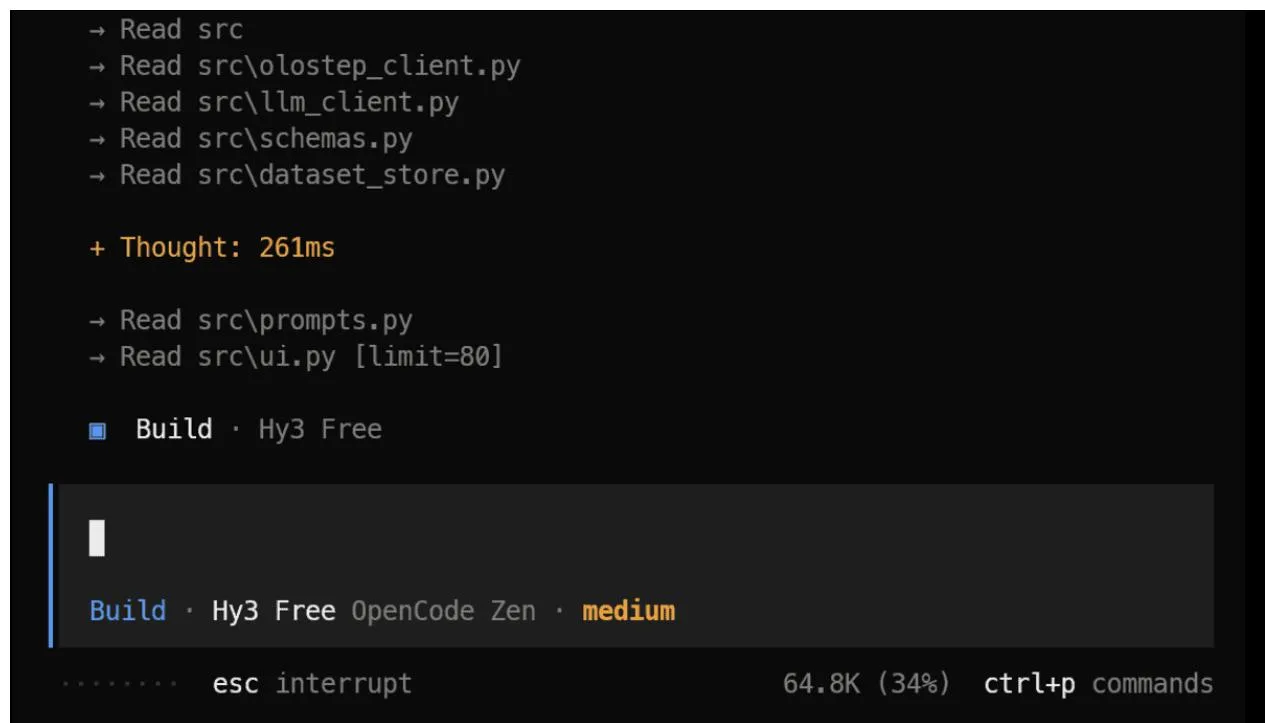 OpenCode interface in terminal
2. Pi
Pi is a lightweight open-source harness for a coding agent that runs in the terminal. It keeps the base system simple and allows you to add necessary features through extensions, skills, reusable prompts, themes, and project instructions. Pi supports over 15 model providers, including Anthropic, OpenAI, Google, Kimi, OpenRouter, and Ollama, and allows switching models directly within a session.
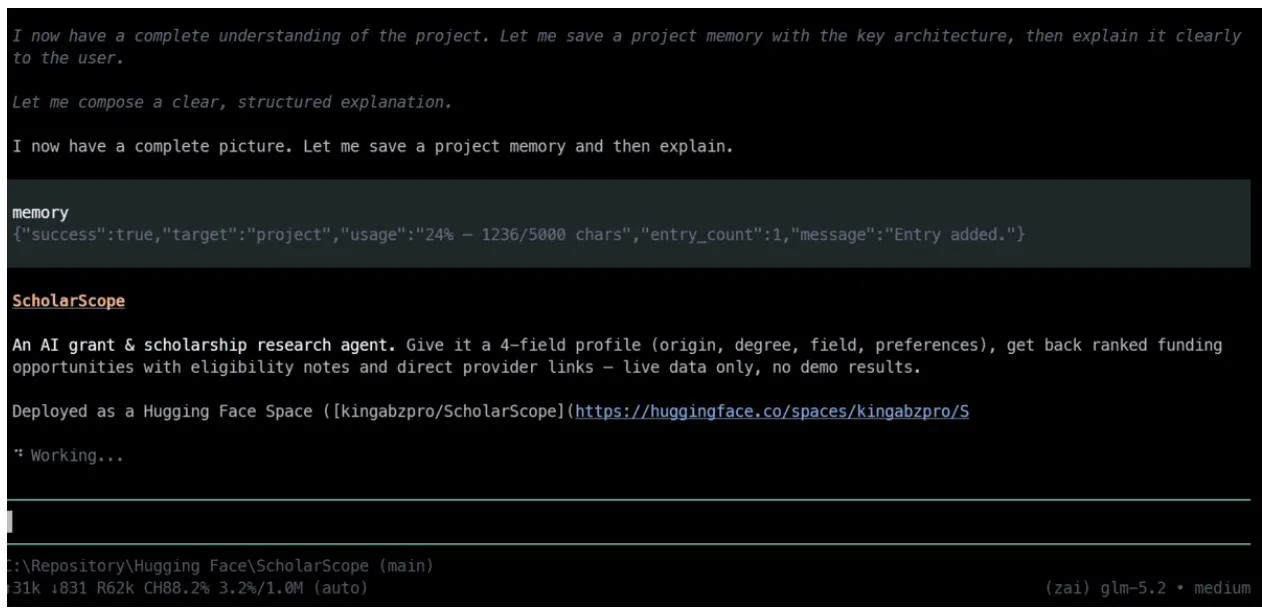 Pi coding session
Pi may be better than Claude Code for developers who want more control over their coding agent. Its small system prompt consumes fewer tokens, and extensions allow you to add custom tools, commands, interfaces, memory, sub-agents, and planning workflows. You can also revert to an earlier message, create a new branch, and continue working without losing the original session. However, some features are not enabled by default, so Pi is better suited for those who enjoy building and configuring their system themselves.
3. Factory Droid
Factory Droid is a coding agent that works in the terminal and IDEs. You can assign it a task in natural language, and it will explore the codebase, write code, run tests, verify changes, and fix issues. It also supports saved sessions, custom commands, plugins, MCP servers, various AI models, and specialized sub-agents for tasks such as code review or security checks.
Factory Droid may be better than Claude Code for teams that need automation and larger development workflows. Its droid exec mode can execute tasks without interactive chat, making it valuable for scripts, batch jobs, and CI/CD pipelines. Factory Missions can also break down a large project into smaller steps, distribute them across different agents, and verify the final output.
4. Codex CLI
Codex CLI is an open-source coding agent from OpenAI that runs directly in the terminal. It can inspect projects, edit files, run commands, test code, and explain changes. It also supports MCP servers, project instructions, images, tiered permissions, and a sandbox limiting agent access.
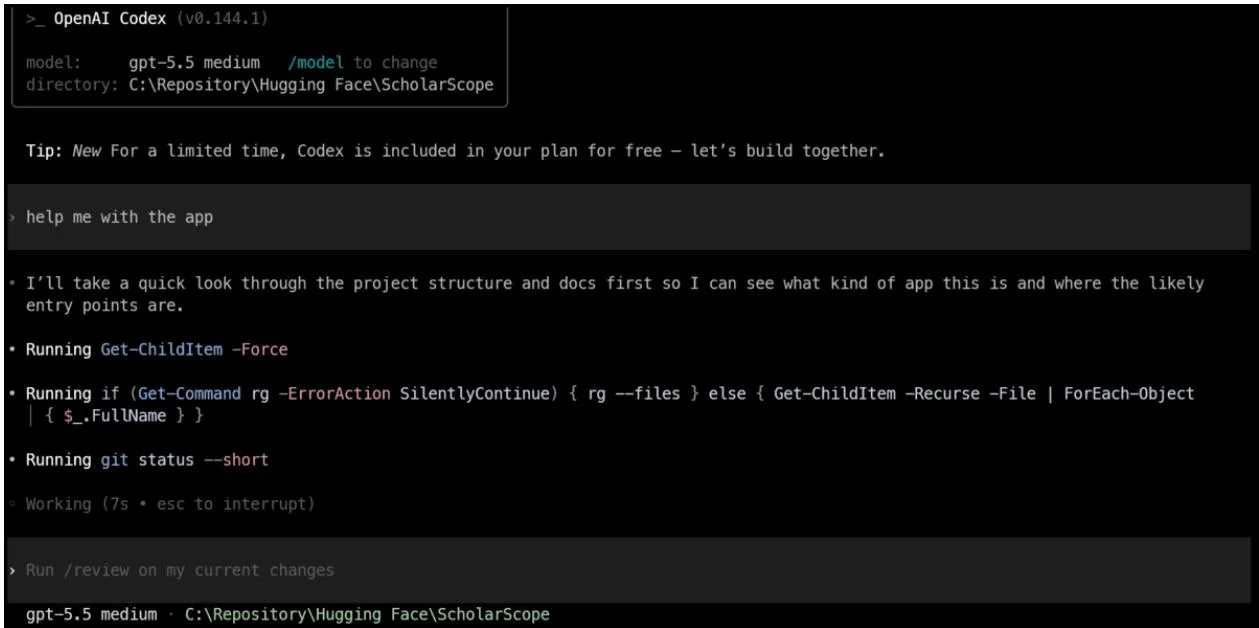 Codex CLI in terminal
Codex CLI is one of the best replacements for Claude Code if you already subscribe to ChatGPT. If your ChatGPT subscription includes Codex access, that quota is usually sufficient for everyday coding tasks. Instead of paying for another coding agent subscription, consider trying Codex first. It also supports automated tasks and local AI models, making it useful for both interactive coding and repeatable workflows.
5. Antigravity CLI
Antigravity CLI is a terminal coding agent from Google. It understands codebases, edits multiple files simultaneously, runs commands, uses tools, and maintains conversation context. It is lightweight, keyboard-driven, and excels over remote SSH connections. It also supports skills, hooks, plugins, sub-agents, and project instructions.
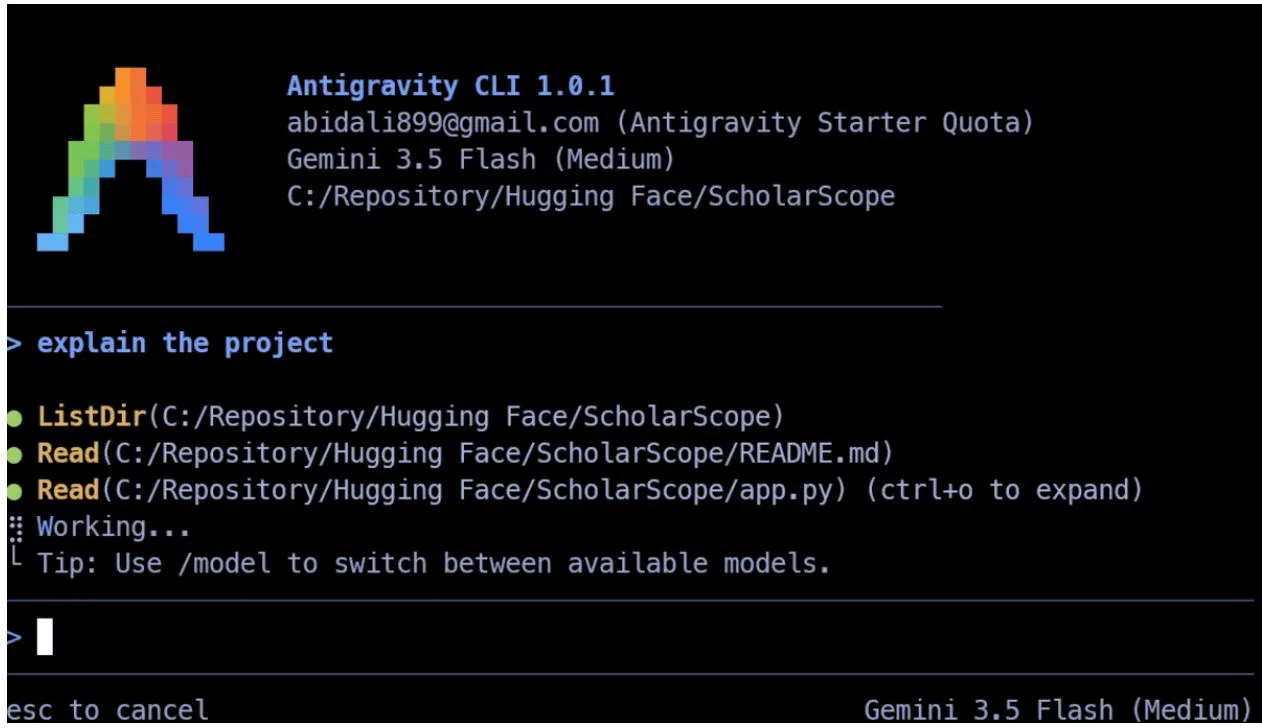 Antigravity CLI overview
Antigravity CLI can be a better fit than Claude Code when you need faster execution and multi-agent workflows. It can run multiple agents on distinct parts of a large task—for example, having one agent investigate an issue while another edits code concurrently—without blocking the terminal.
It also shares the same harness and configuration as the Antigravity desktop app, allowing you to start a task in the terminal and resume it in a GUI. It is a solid choice for Gemini and Google Cloud users who need a responsive CLI for coding, automation, and larger projects.
6. Cline
Cline is an open-source coding agent that works in the terminal and inside editors like VS Code and JetBrains. It can read and edit files, execute terminal commands, browse the web, install dependencies, and test changes. The CLI supports both interactive sessions and headless execution, making it useful for regular coding, scripting, code reviews, and CI/CD processes.
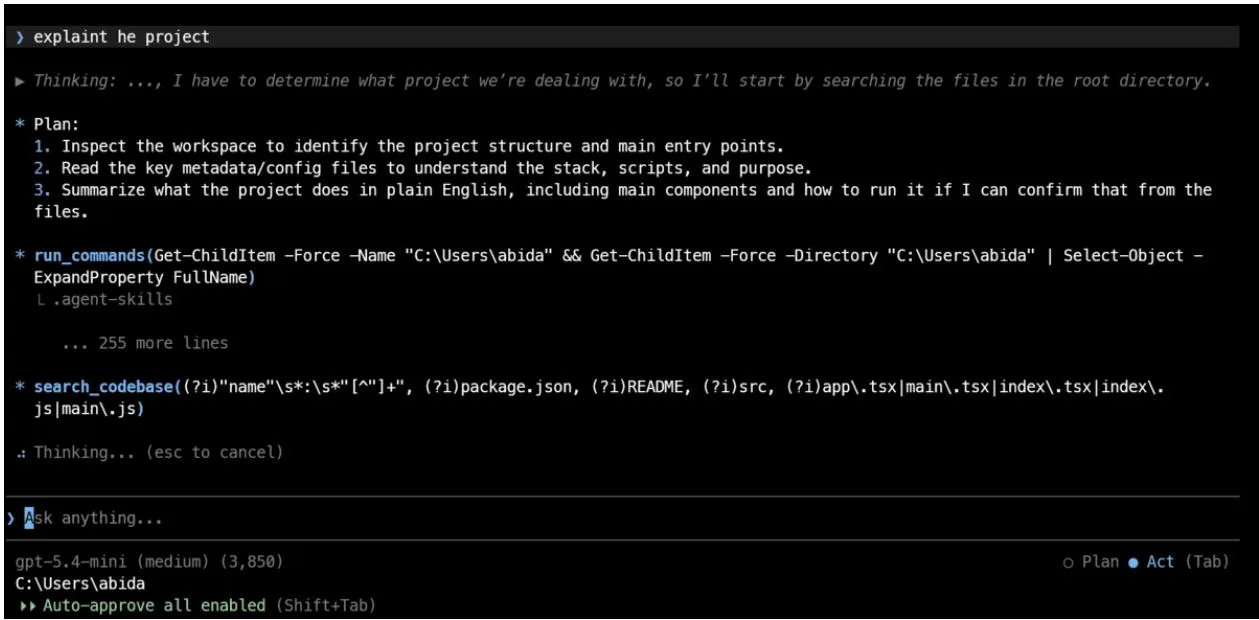 Cline in editor interface
Cline may be a stronger choice than Claude Code for developers prioritizing choice and control. You can use your own API keys, select from numerous cloud providers, or run local models via Ollama and LM Studio. It also supports MCP tools, project rules, skills, parallel sub-agents, and a Kanban view for running concurrent coding tasks.
7. Goose
Goose is an open-source AI agent operating via CLI, desktop app, or API. Running locally, it inspects files, edits code, executes shell commands, runs test suites, and completes multi-step development tasks. It supports over 15 model providers, including OpenAI, Anthropic, Google, Ollama, OpenRouter, Azure, and Amazon Bedrock.
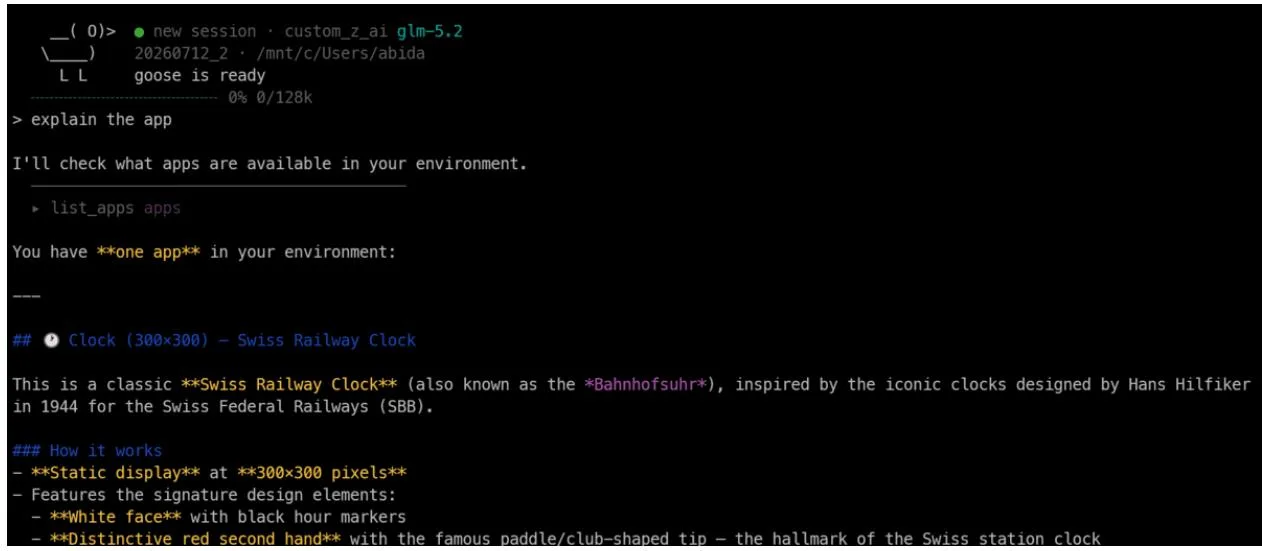 Goose CLI terminal
Goose may be better than Claude Code for developers seeking greater freedom in model and tool selection. You can attach over 70 MCP extensions, utilize local models, or connect existing ChatGPT, Claude, and Gemini subscriptions. It is not limited to programming alone—it can also be utilized for research, drafting documentation, data analysis, and automation.
8. Summary — Which Alternative to Choose
For developers who prefer open tools and want full control over their models, Pi and OpenCode are top recommendations. Both are flexible, support varied providers, and work smoothly with open or local models. Pi is optimal for those who enjoy custom configuration, while OpenCode offers an out-of-the-box experience.
If you already have a $20 ChatGPT subscription, trying Codex CLI first is sensible before taking on an additional subscription. Its included quota often covers regular coding needs. The remaining tools are equally excellent—especially for local AI programming, custom workflows, automation, and full autonomy over your coding agent setup.